
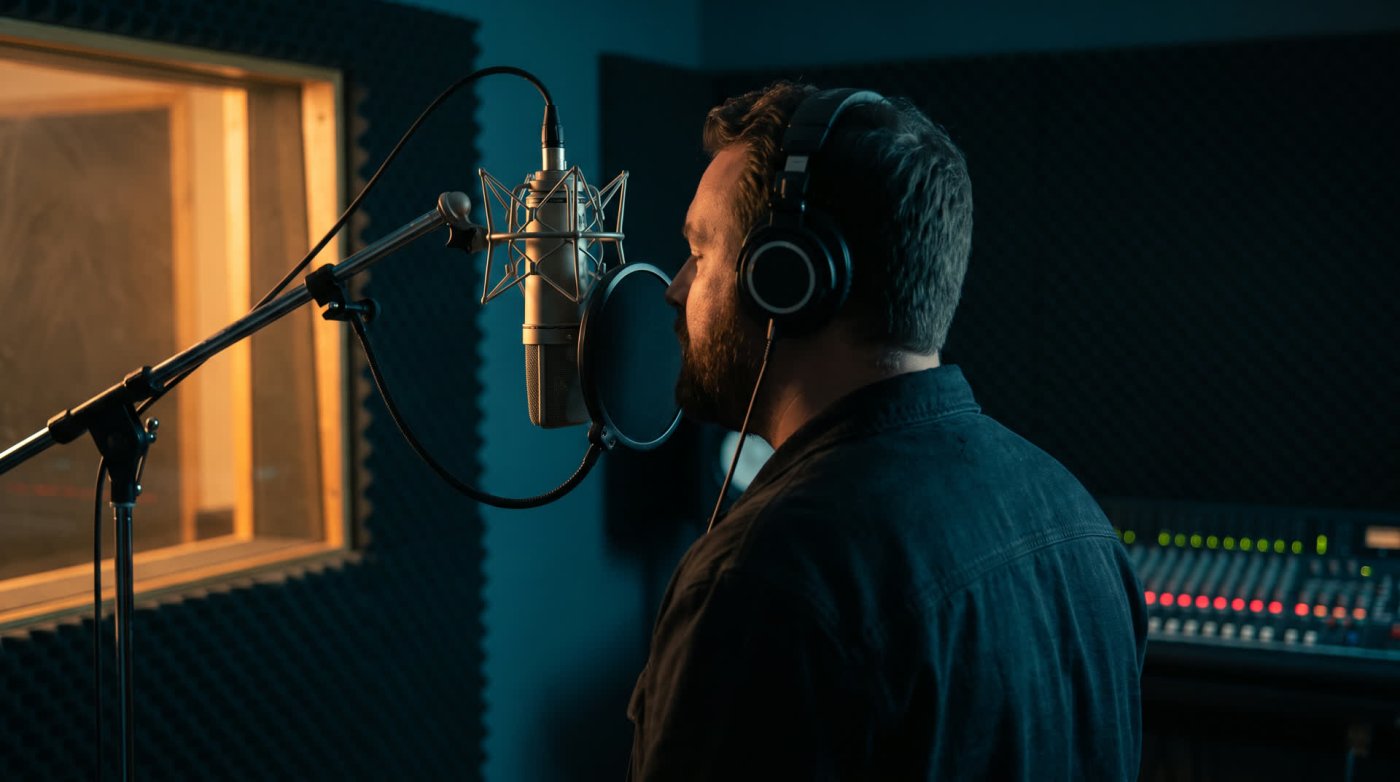
Time to get into the technical weeds. This read is about the one decision that shapes every other piece of kit you'll buy: how your voice gets from the air in front of your face into the computer. There are two roads. One is simpler. One is where most working actors end up. Neither is wrong to start on.
The two roads
A microphone turns sound into a very small electrical signal. Something has to boost that signal and convert it to digital before your computer can record it. The question is where that something lives.
A USB microphone has it all built in. The preamp and the converter sit inside the mic. One cable to the computer, and you're recording. Simple, portable, no extra boxes, and the good ones sound genuinely good.
An XLR microphone is analog. It hands its signal down a three-pin cable to a separate audio interface, which does the boosting and converting and passes the result to the computer over USB. Two boxes instead of one, a little more to learn, and much more room to grow: you can change the mic, change the interface, add a second input, and none of it makes the rest obsolete.
Road oneUSB microphone
- Preamp and converter built in. One cable.
- Simple, portable, nothing else to buy.
- The good ones sound genuinely good.
- Can't swap the preamp or add a second input.
- Fall in love with a studio mic later and you start again.
Road twoXLR mic and interface
- Change the mic, change the interface, keep the rest.
- Where most working actors end up.
- Only a little more money to start.
- Two boxes, two cables, a bit more to learn.
Start on USB?
For a first microphone, a good USB mic is a perfectly respectable choice, and it's worth being clear about what "good" means here. The tiny ball-shaped mics that ship with streaming bundles are not it. Clients can hear the difference, and so will you within a month. The USB mics worth owning are made by the same companies that make the studio microphones, and they sound like it.
- Rode NT-USB+. A large diaphragm condenser with a built-in interface, headphone monitoring and a proper pop filter. Around $170. The default sensible first mic.
- Audio-Technica AT2020USB-X. The USB version of a mic that's been a home studio standard for two decades. Around $150. Neutral, clean, hard to fault.
- Shure MV7+. A dynamic mic (more on that below) with both USB and XLR outputs, so it comes with you when you move to an interface. Around $280. Forgiving in an untreated room.
Prices move around, so treat those as a guide. Any of the three will record auditions and paying work. What you give up with USB is choice: you can't swap the preamp, you can't run a second mic, and if you fall in love with a studio microphone later, you'll be starting again.
Or go XLR from the start?
If you have a little more to spend, or you're fairly sure this is the long haul, the XLR route costs only a bit more and grows with you. You'll need the mic and an interface.
- Audio-Technica AT2020 (around $100) with a Focusrite Scarlett Solo (around $140). The classic first XLR pairing. Neutral mic, clean interface, and every tutorial ever written assumes this setup.
- Rode NT1, 5th generation (around $250). One of the quietest microphones made at any price, and this version has both XLR and USB on the back, so it's a USB mic today and a studio mic when the interface arrives.
- Shure SM7B (around $400) with an interface that has plenty of clean gain. The broadcast dynamic that ignores the room. If you can't treat your space well, this is the mic that hides it.
Condenser or dynamic? Ask the room
The interface specs, decoded
If you go the XLR road, the interface box will come with a spec sheet full of numbers. Only five of them matter for voice over, and here's what each one means in practice.
- GainHow much the preamp can turn the mic up. Condensers need modest gain; the SM7B needs a lot, so check the interface offers 60 dB or more, or add a small in-line booster.
- Phantom power (48V)The switch that powers a condenser microphone down the XLR cable. Every interface worth owning has it. Turn it off for dynamics and ribbons.
- Sample rateHow many snapshots per second. 48 kHz is the video standard and what most clients want; 44.1 kHz is fine for audio-only. Higher numbers add file size, not quality you can hear.
- Bit depthHow finely each snapshot is measured. Record at 24 bit. It gives you headroom so a loud line doesn't clip and a quiet one isn't buried in hiss.
- Direct monitoringHearing yourself through the interface with no computer delay. Essential if you record with headphones on; the delay otherwise will drive you mad.
- Everything elseMIDI, multiple inputs, loopback, fancy meters. Nice for musicians and podcasters, irrelevant to a solo voice actor. Don't pay for them yet.
Fancy something more expensive?
If there's a bigger budget burning a hole in your pocket, the possibilities open up fast. Once you're spending real money you'll want an XLR mic and a good interface, and then the studio names come into it: the Sennheiser MKH 416 that half the trailer and promo industry records on, the Neumann TLM 103 that gets called the voice over mic. The best microphone for voice over work goes through them.
At that level, try before you buy. A microphone that flatters one voice can make another sound thin, and a thousand dollars deserves an afternoon in a shop with your own script. Be sure you're getting something you can hear, not something you can read about.
Better technique beats a better microphone every time. Spend on the room, learn the mic you have, and upgrade when your ears tell you to.
If you skipped it, voice over essential equipment covers the rest of the kit, from the pop filter to the room. Next: the five microphones that keep coming up, and how to pick between them.
End of read 11 of 21